Cheer Competitions

Run the whole competition like it belongs on the big screen.

Import teams fast, structure heats and finals, keep judges aligned, and give parents the live timing clarity they never get from static PDFs.
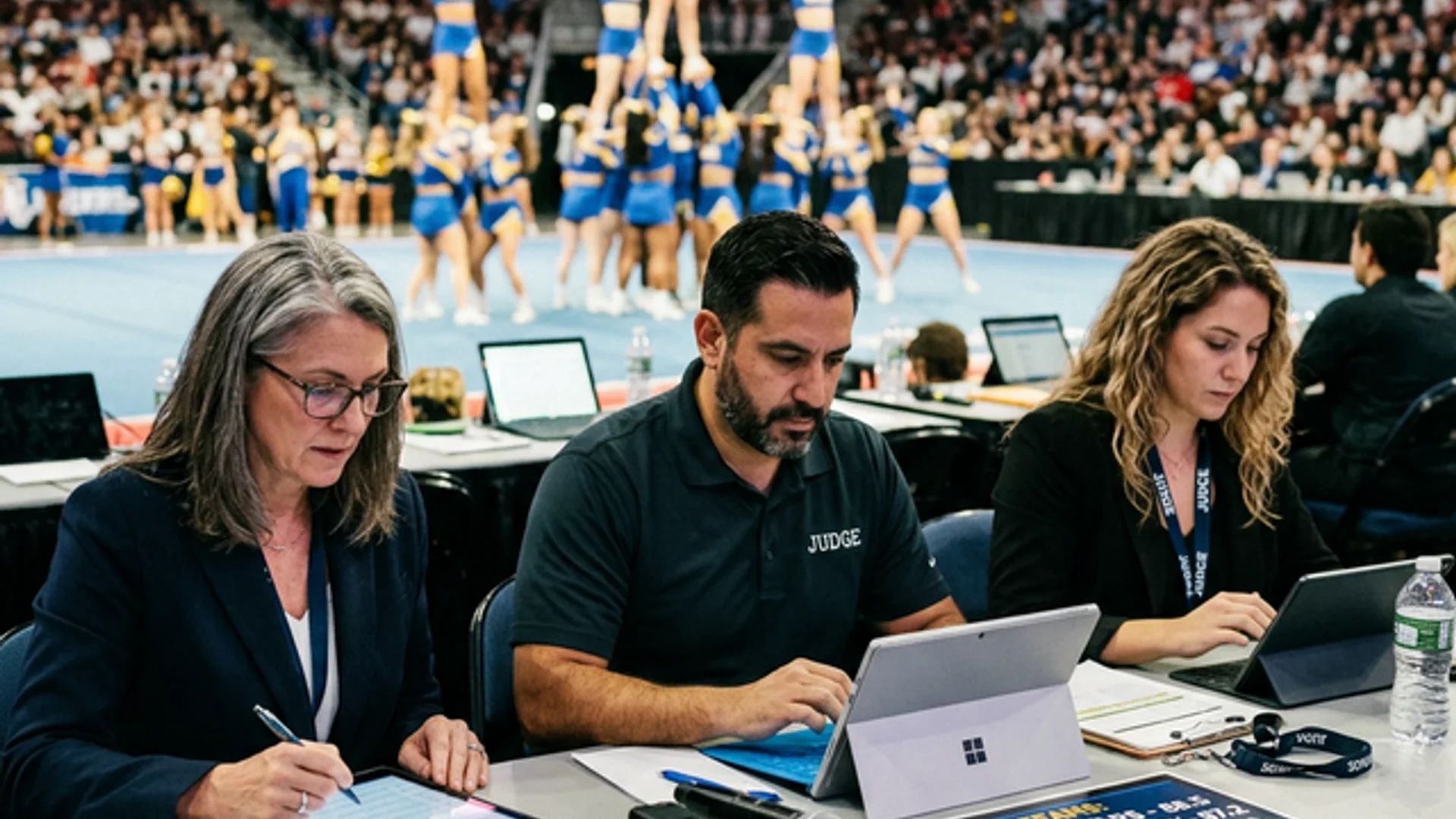
  • Heats
  • Finals
  • Judging
  • Parent watchlists
The arena screen — now / next
Main screen
LIVE
Now
Opening session
Up Next
Main programme
05:00
CSV, PDF, Excel, copied text

Import first

CSV, PDF, Excel, copied text

Bring in whatever the organizers or coaches already have and turn it into workable heats faster.
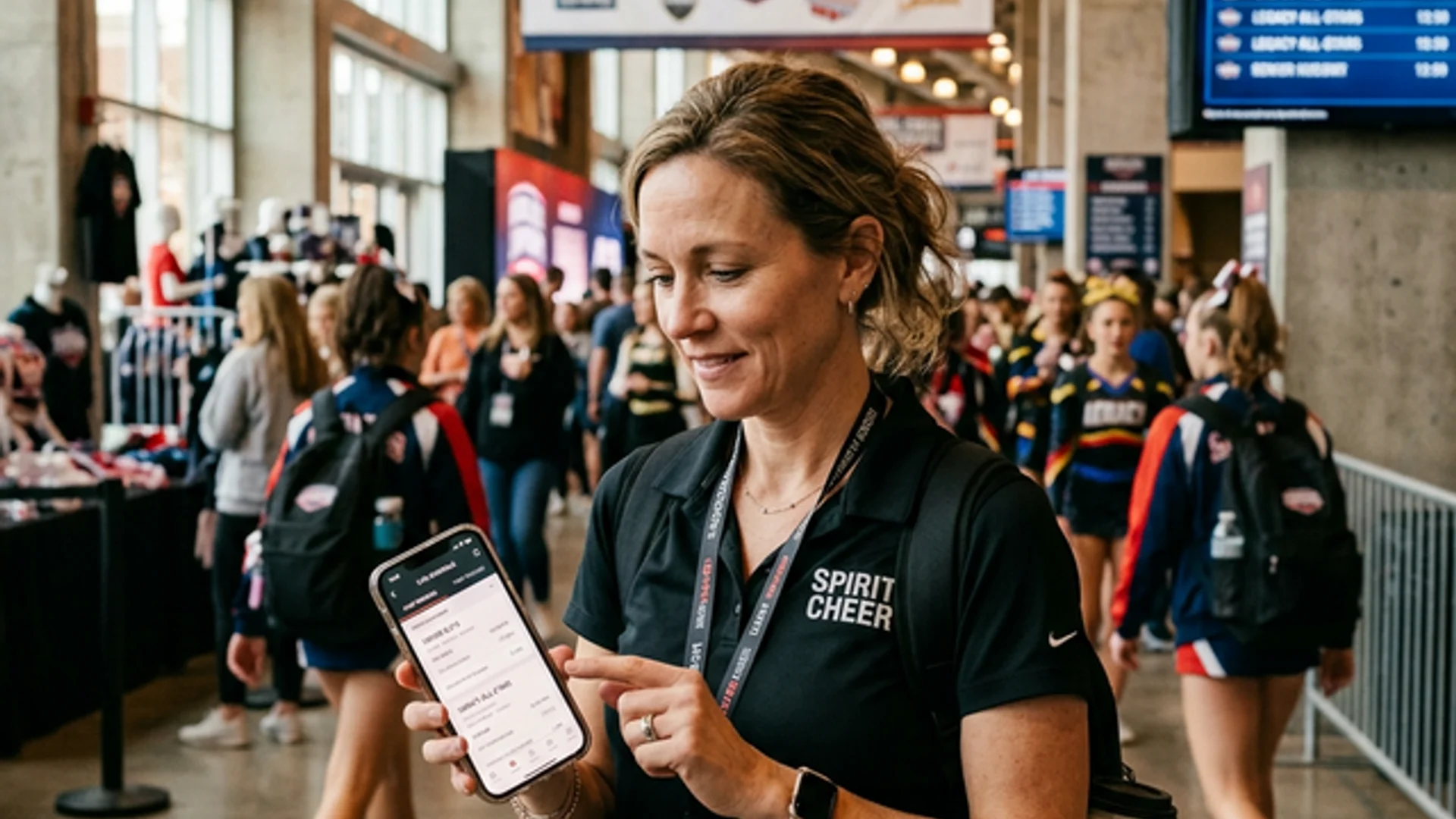
Parents know when their team is really up

Family clarity

Parents know when their team is really up

Weekend passes, watch labels like “my kid’s team,” and live shift alerts all fit the cheer reality.

See it run

The running order, live on every screen.

The big screen, the team's phones and the crowd all read the same source of truth — updating the instant the floor changes.

Arena screen — now / next
Main screen
LIVE
Now
Opening session
Up Next
Main programme
05:00
Today · live
On air
  1. Doors & warm-up9:00
  2. Prelims — Heat 410:00
    On the mat now
  3. Finals seeding12:30
  4. Finals & awards2:00

How it runs

One operating system the whole room can trust.

Heats and advancement

Model prelims, finals, wildcards, and stage movement without rebuilding the day manually every time a round shifts.

Judge-friendly scoring

Preload scorecards, keep panels aligned, and expose rankings with the right amount of control for the room.

Parent-facing timing

Give families a reliable live view so they stop living inside rumor, hallway chatter, and stale schedules.

What the platform sets up first

Replace the chaos with a system everyone can see.

The organizer, the team, and the audience all work from the same live source of truth — no static PDFs, no whiteboard, no guesswork.

Import + structure

Get the rosters, divisions, and rounds into the system first.

  • CSV, spreadsheet, PDF, image, and copied-text intake
  • Heat sizing and advancement configuration
  • Draft the whole competition before fine-tuning

Judge + scoreboard layer

Make the competition look professional without extra clipboard chaos.

  • Preset scorecards and judge counts
  • Live rankings, finals logic, and projector-ready output
  • Competition settings built for cheer, not generic events

Parent + fan experience

Turn the crowd into an informed audience instead of a confused one.

  • Watchlists and labeled favorite teams
  • SMS alert hooks for team movement
  • Livestream and media-friendly expansion path

The difference

The same competition — minus the hallway rumor mill.

The usual competition day
  • A printed schedule that’s already out of date by 10am.
  • Parents pace the hallway asking when their kid’s team is really up.
  • Rosters retyped by hand from three different spreadsheets.
  • Judges working off mismatched paper scorecards.
  • Heat-order changes spreading by word of mouth.
Your competition on NextSet
  • One live heat order on the projector and every parent’s phone.
  • Families follow a watchlist labeled “my kid’s team” with live shift alerts.
  • Import the roster from CSV, PDF, Excel or copied text — no retyping.
  • Judges work from preloaded scorecards; rankings update live.
  • Move a heat once and every screen reflects it instantly.
  • No app for families
  • Import from CSV / PDF / Excel
  • Projector-ready output
  • Cancel anytime

Private Event Plans

Start at 100 guests, gate access with QR and PIN, then unlock more capacity with upgrade packs.

Private Base 100

For private events with a 100-guest cap and guided QR access

$79/month
  • Includes up to 100 participants
  • $1.60 for each additional guest
Start Private Plan

Private Growth Packs

Stack guest-cap upgrade packs for weddings, showcases, and invite-only events

$129/month
  • Includes up to 250 participants
  • $1.20 for each additional guest
Add Capacity Packs

Wedding Planners

For branded private programs, recurring organizations, or multiple weddings

Custom
  • Includes up to 1,000 participants
  • Custom attendee pricing and support package
Talk to Sales

Need a custom onboarding or multi-venue private rollout? We can tailor setup, staffing, and support individually to match your needs.

Before you ask

Every question, answered.

No. They open a link or scan a QR and follow live timing in the browser — including a watchlist labeled for their own team.

Next step

Start with the real roster, then let the system shape the day.

The highest-value first step is simple: import the actual competition data, model the heats and rounds, and get a live timing surface parents and staff can both trust.